



To change the collar ID on the Astro 430 please follow these steps. You Must be connected to a collar in order to change it's ID.

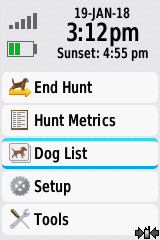


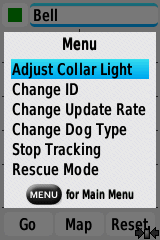

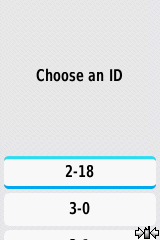
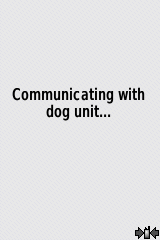

- Start at the main menu
- Select "Dog List"
- Select the dog collar you wish to change the ID on
- Select "Show Info"
- Press the menu button on your device -
- Select "Change ID"
- Now you can select which available ID number you wish

