The store will not work correctly when cookies are disabled.
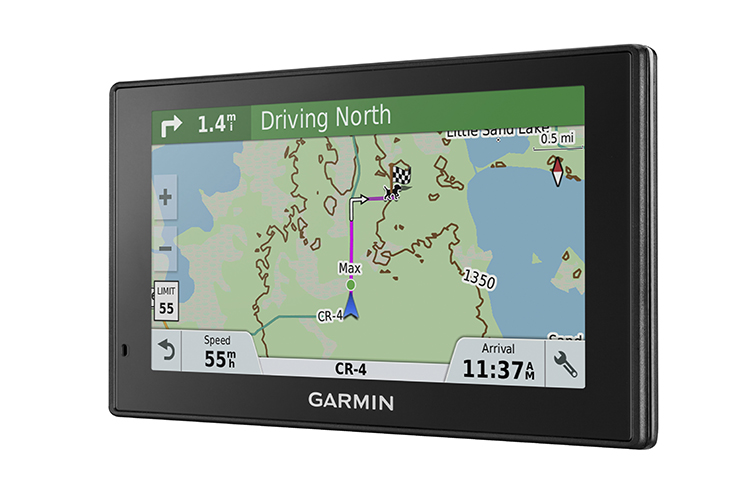
How to: Change your Vehicle Icon on the Garmin DriveTrack71
- From the Home screen select "Settings" in the bottom right corner

- Select "Map and Vehicle"

- Select "Vehicle" - You will need to scroll down one page to find Vehicle


- You will now be able to scroll through available icons and make a selection.


- Select "Save" to update your vehicle icon


Purchase a new DriveTrack 71
Posted On: January 11 2018