If you would like to delete the archived tracks on the Garmin Astro 430 please follow these steps:

- Start at the main menu
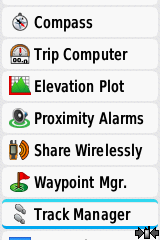
- Scroll down and select "Tools"
- Scroll down and select "Track Manager"
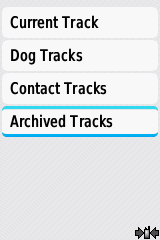
- Scroll down and select "Archived Tracks "
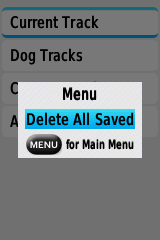
- You can now select specific tracks to delete or press "Menu" and select delete all archived.