



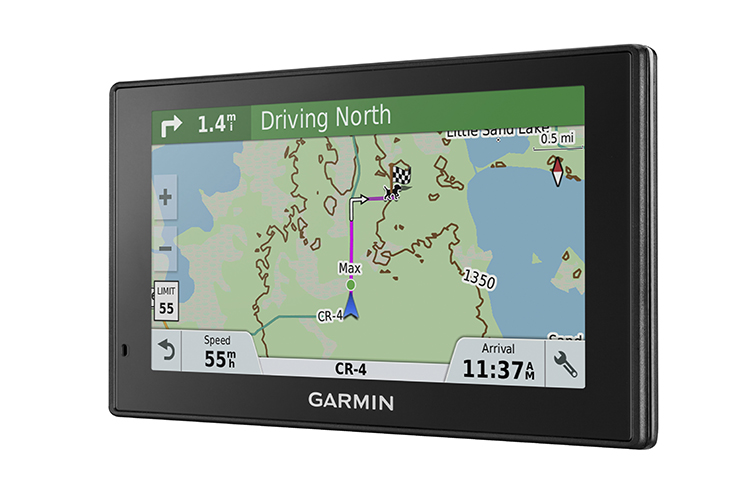
From your map page tap the screen on the parcel you'd like to find information for. You may need to zoom in close enough to see the black lines showing property boundaries.

Tap the screen twice. This will bring up a flag on the page. If you look near the bottom of the screen a new toolbar will appear with directional arrows pointing left and right.

This typically gives the distance that flag is away from you. By tapping the right arrow you can sort through other information such as elevation. Tap the right arrow until it displays property owner information.
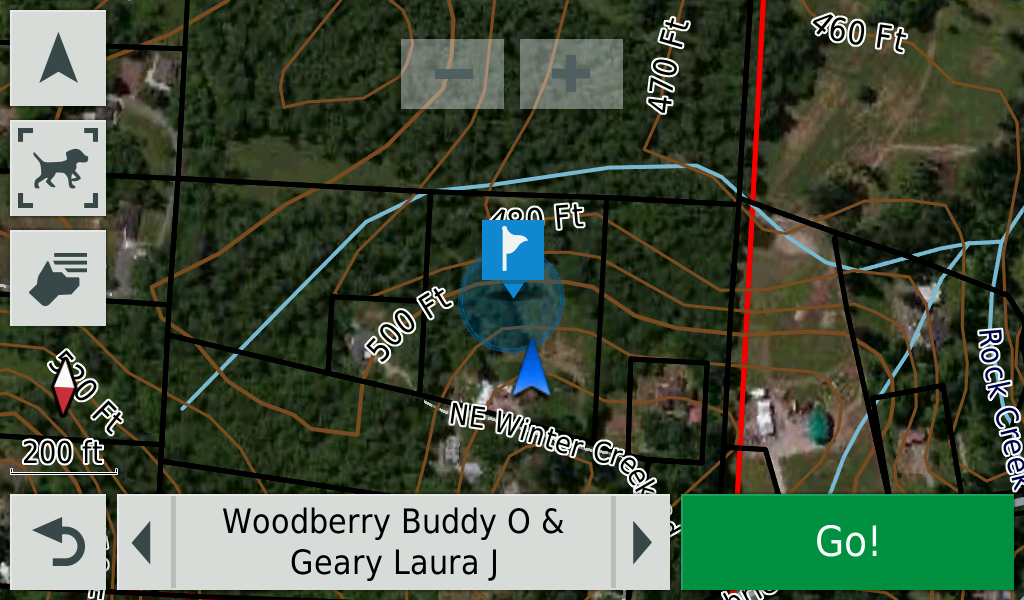
Not all parcels will have the current landowner information and for some counties may only designate as Private or managed by the state for example.

