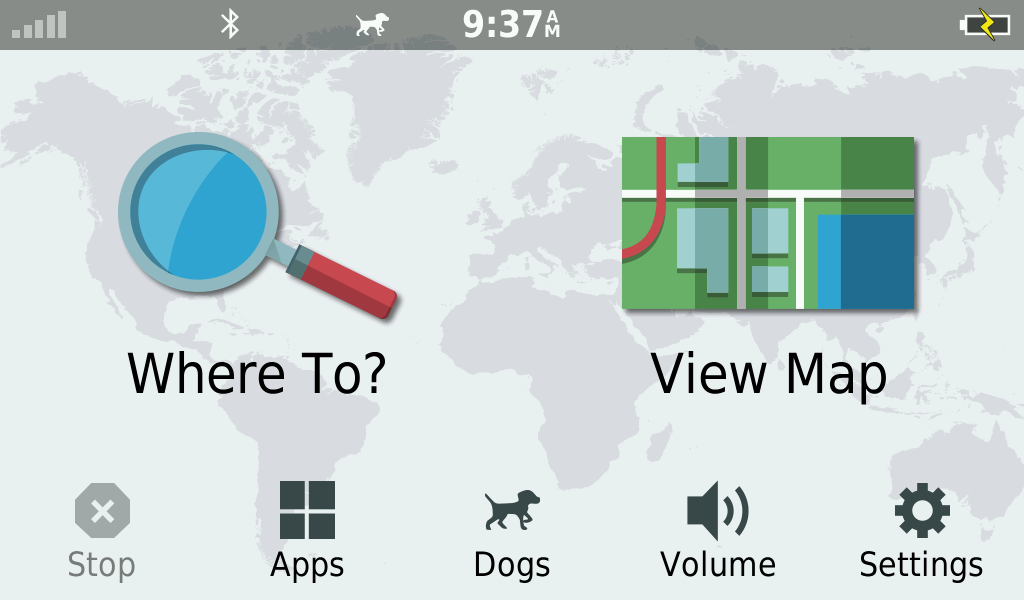
From your Main Screen tap "Volume"
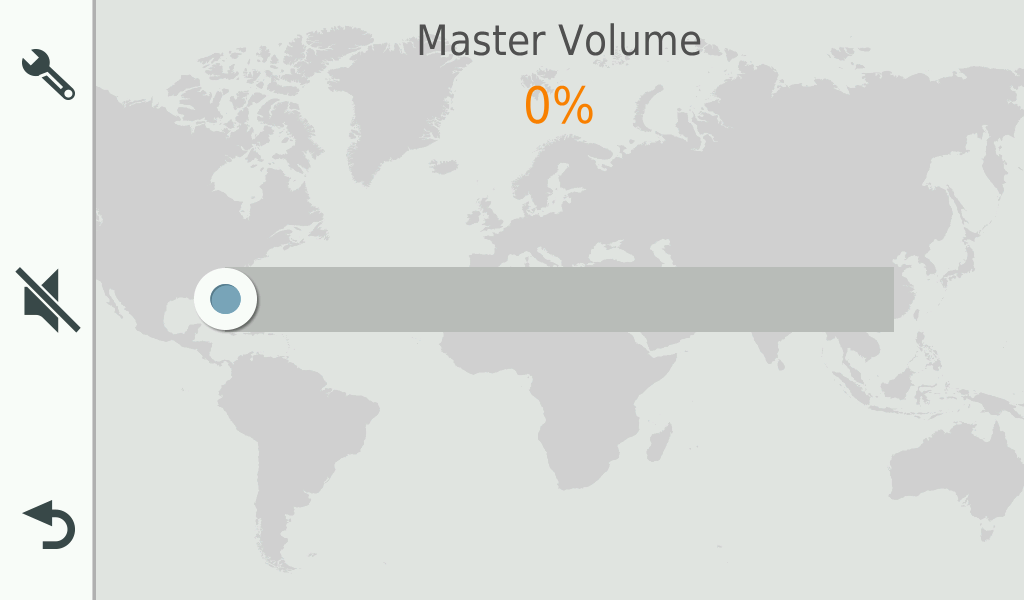
Hold your finger on the upper right hand corner of the screen for at least 10 seconds.
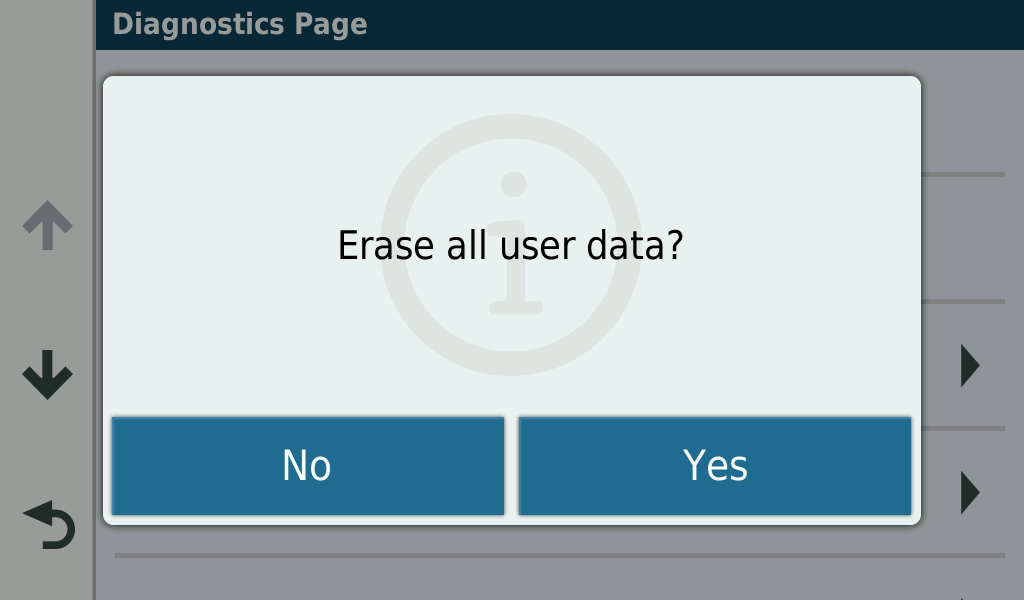
This will bring up a diagnostics page. Then tap "Clear all user data"
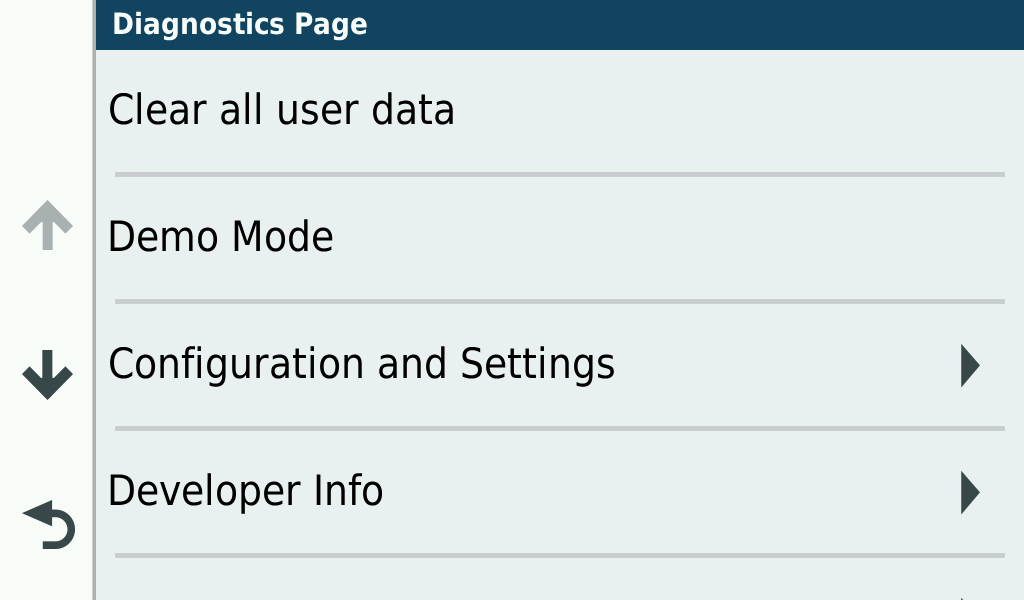
Then you will need to tap "Yes". You will lose all your saved places but will restore your Drivetrack to factory settings.